Drag-and-drop conversion
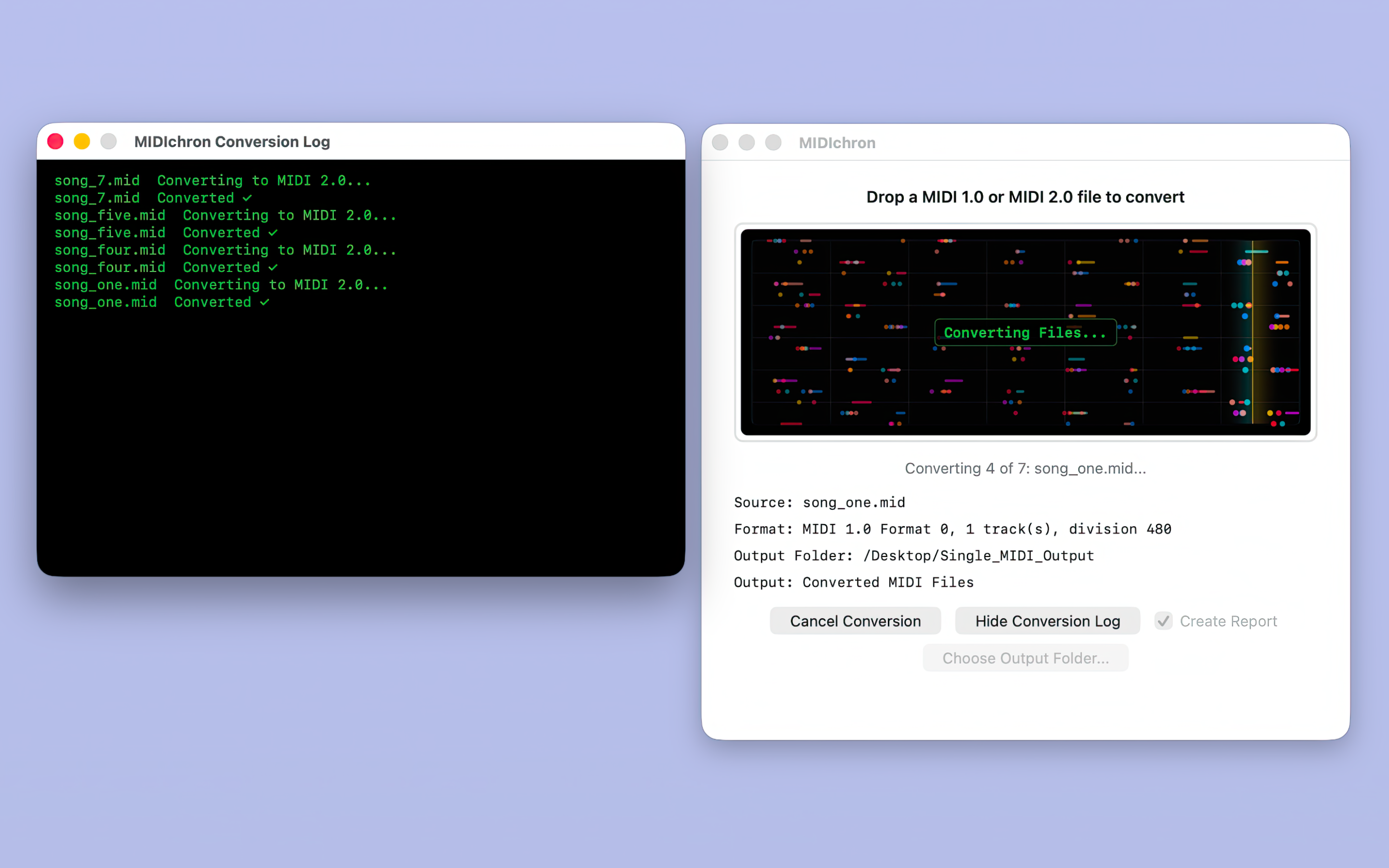
Drop a MIDI 1.0 or supported MIDI 2.0 file onto the main window, Finder app icon, or Dock icon.
MIDIchron for Mac
MIDIchron is a focused macOS utility for musicians, producers, remixers, educators, students, sound designers, and MIDI developers who need a practical way to move supported files between MIDI 1.0 and the newer MIDI 2.0 Clip/SMF2 ecosystem.

Why It Matters
MIDI 1.0 has decades of music, apps, instruments, lessons, demos, and production files behind it. MIDI 2.0 brings Universal MIDI Packet data, higher-resolution musical values, and the MIDI Clip/SMF2 file format into the conversation.
MIDIchron turns that transition into a simple Mac workflow: choose an output folder, drop in supported MIDI files, review the conversion, and use the converted copies in the next tool in your chain.
Built for compatibility testing, creative handoff, classroom demos, and everyday MIDI file prep.
What It Converts
Features
Drop a MIDI 1.0 or supported MIDI 2.0 file onto the main window, Finder app icon, or Dock icon.
Convert folders and mixed batches, including supported files found inside subfolders.
Display progress, successful conversions, warnings, and files that need attention.
Create detailed text reports when you want a saved record for testing, teaching, or troubleshooting.
Jump straight to the saved output when the conversion is finished.
No accounts, uploads, analytics, ads, or cloud conversion are needed for the core MIDIchron workflow.
Create MIDI 2.0 files from known MIDI 1.0 material and test safe down-conversion behavior.
MIDIchron reports unsupported files or unsafe conversion cases instead of pretending every MIDI concept maps perfectly.
Availability
Download MIDIchron for Mac from the Apple App Store, or join the New Toy Software Updates list for release notes and new MIDI utility announcements.